AI enhancement
Neural polish for skin, sharpness, and color — tuned for live video, not still-photo filters.
Features
Romera Vision is AI webcam software for Windows 10/11 — built for streamers, podcasters, educators, and remote teams who need one polished camera feed in OBS, Zoom, Teams, and Twitch.
Features
Capture, enhance, compose, and output — without chaining together five separate tools.
Neural polish for skin, sharpness, and color — tuned for live video, not still-photo filters.
One enhanced feed into OBS, Zoom, Teams, Riverside, and any app that reads a webcam.
Blur or replace backgrounds without a green screen. Edge-aware matting that holds in motion.
Pair an iPhone over Wi-Fi, scan a QR code, and use it as a second 4K source in the same app.
Side-by-side, stacked, and podcast layouts when two cameras are active — preview, record, and stream.
Streamer, Creator, Podcast, and Meeting modes switch your look and routing in one click.
Local capture with hardware encoding when your GPU supports it.
Sub-frame preview path so toggles and scene changes feel instant on stream.
Use cases
Whether you stream nightly, record courses, or run client calls — the same enhanced feed powers every destination.
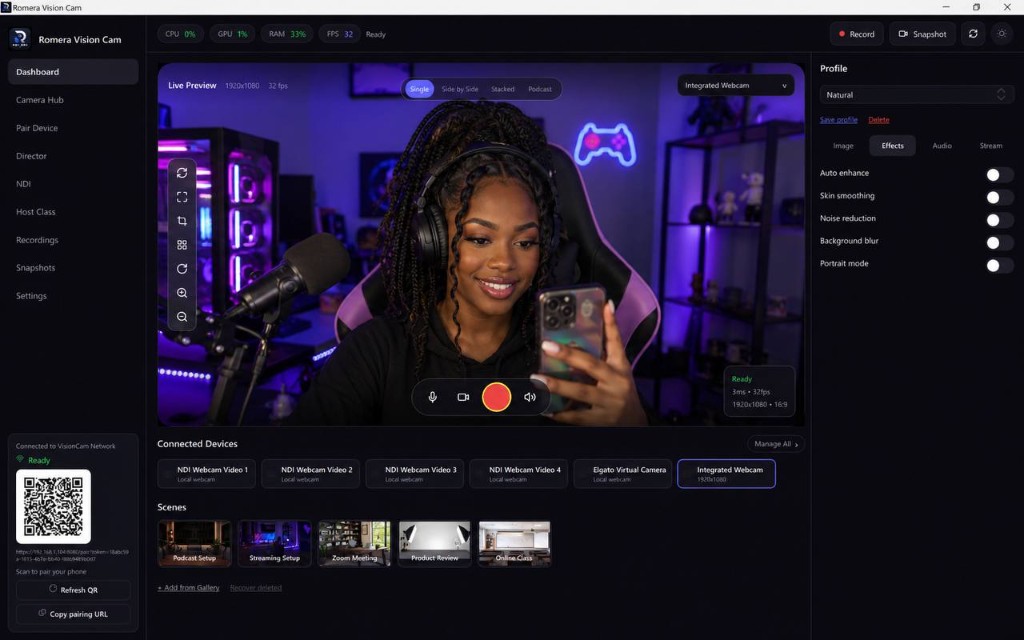
Route an enhanced virtual cam into OBS or Streamlabs. Low-light boost and stream presets keep your face consistent across marathon sessions.
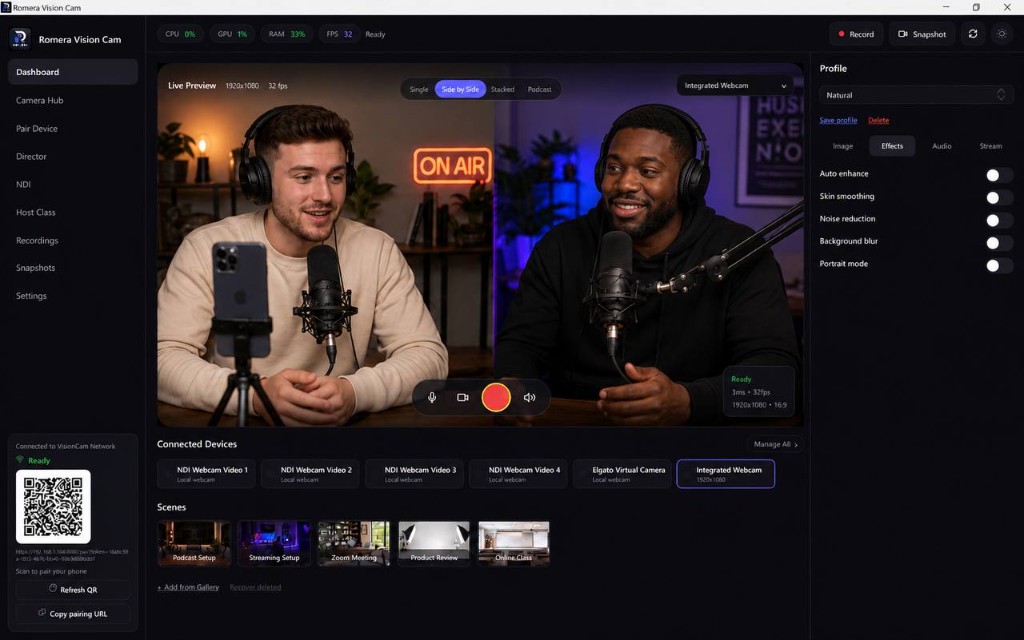
Podcast program mode, noise reduction, and dual-camera layouts make remote co-hosts look like they share a desk.
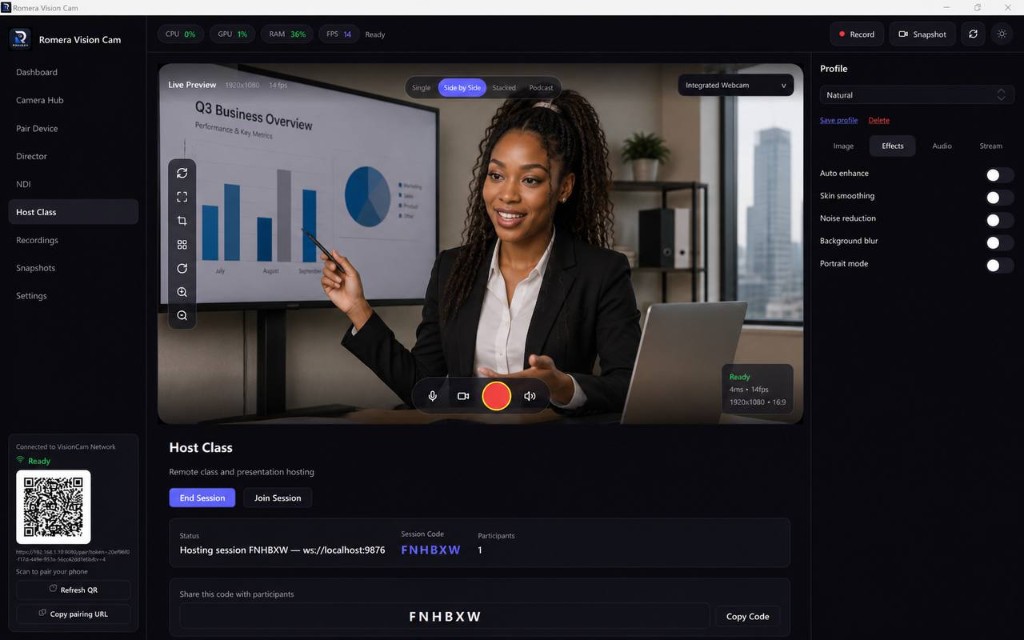
Background blur for home offices, auto framing when you stand, and a reliable Zoom/Teams virtual camera for every class.
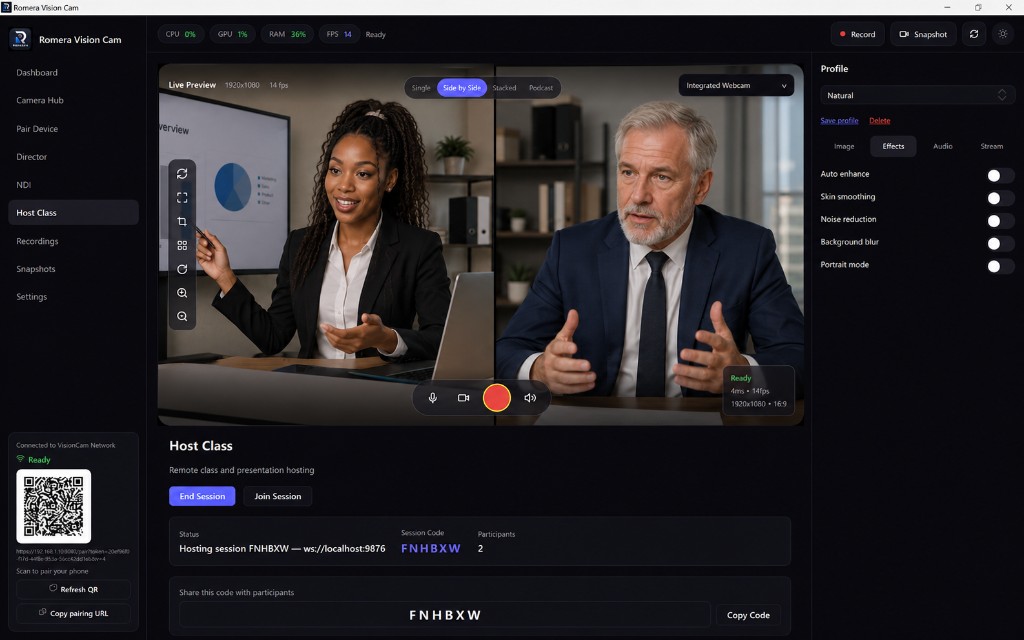
Seat-based licensing lets each creator activate on their own machine. Yearly and Lifetime plans scale to small teams.
Compare
Romera Vision combines capture, AI enhancement, multi-cam composition, and virtual camera output in one Windows app.
| Capability | Typical webcam tools | Romera Vision |
|---|---|---|
| AI enhancement | Filters or none | Real-time neural pipeline |
| Virtual camera | Separate tools or plugins | Built-in, universal |
| Phone as webcam | USB-only or extra apps | Wi-Fi QR pairing in-app |
| Multi-cam layouts | Manual OBS scenes | Side-by-side, stacked, podcast |
| Background removal | Green screen or basic blur | RVM segmentation AI |
| Per-source audio | Single mixed track | Toggle audio per camera |
| Offline license | Always-online DRM | JWT validation + grace period |
Install on Windows, explore every feature for 7 days, then upgrade with a license key when you are ready.
Download free trial